The Sabi iPhone app is now on the App Store

Posted by
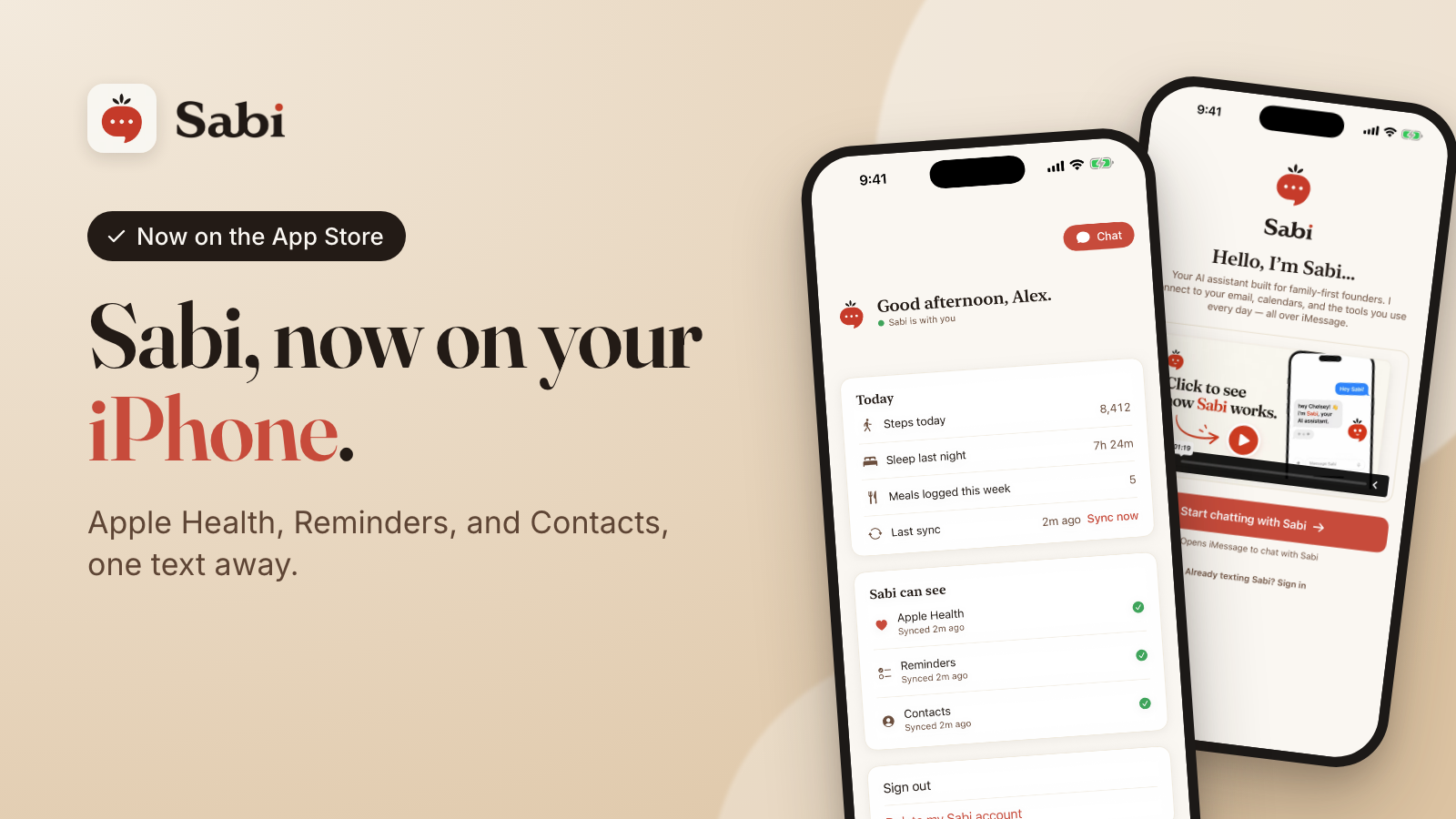
Apple approved the Sabi app this morning. It's free, and you can download it from the App Store today.
You still talk to Sabi the same way: a text in iMessage. The app is the bridge that lets Sabi see the parts of your life that only live on your iPhone: your health data, your reminders, and your contacts.
Sync your Apple Health
- Ask about your sleep, steps, workouts, and weight. "How did I sleep this week?" "Did I hit 10,000 steps yesterday?"
- Text Sabi a photo of your meal and she logs it to Apple Health for you.
- Get a short health line in your morning check-in.
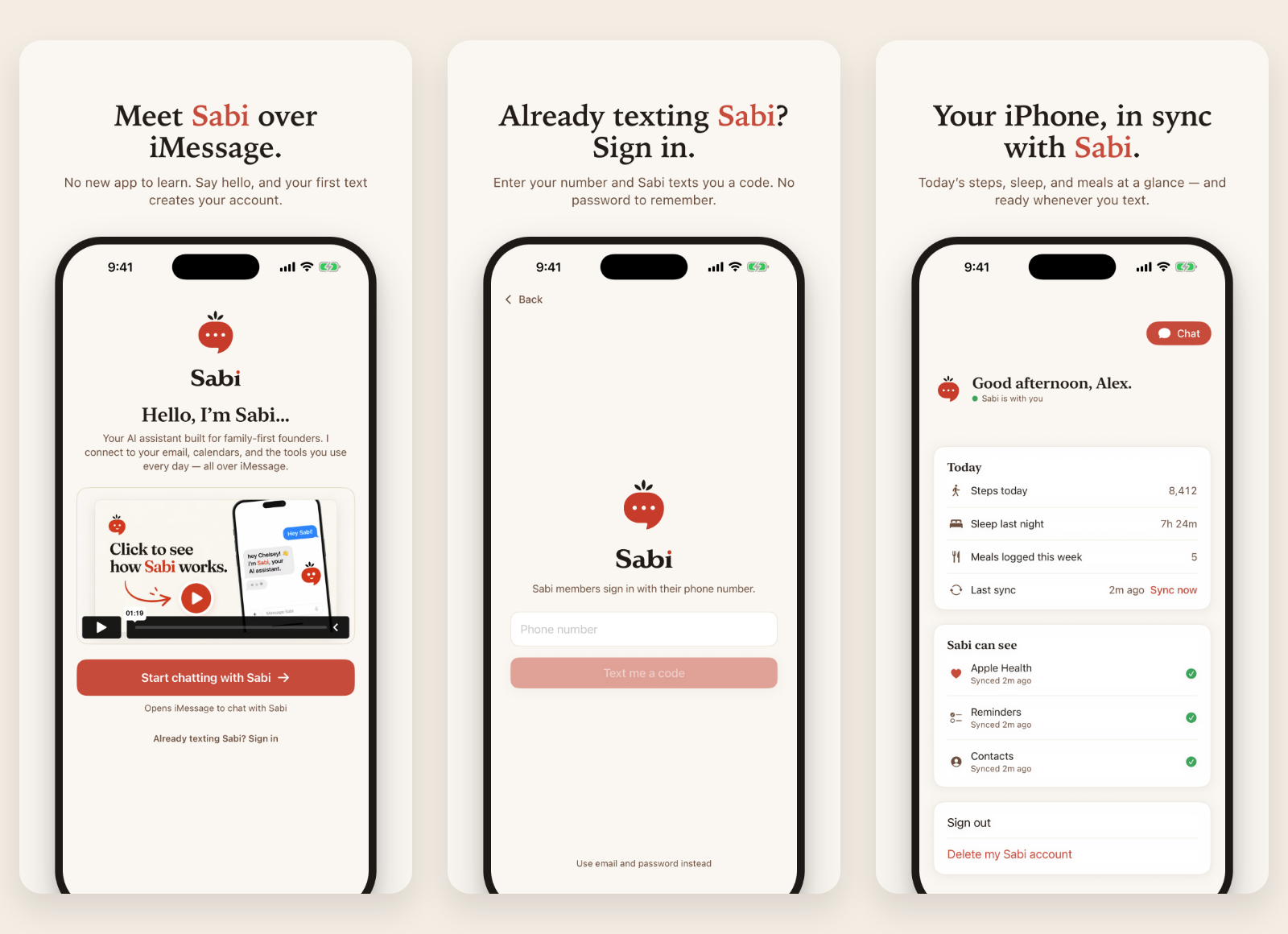
The app's home screen shows today's steps, last night's sleep, and meals logged this week, so you can see at a glance what Sabi sees.
Manage your Apple Reminders
- Ask what's due today or this week.
- Add a reminder by text, and it shows up in the Reminders app on your phone. Repeating ones work too: "Remind me every Monday at 8am to send invoices."
- Check things off with a text. Every one of your reminder lists works.
Sync your Contacts
- Ask Sabi for a phone number or email from your own contacts. "What's Dana's email?"
Set it up in two minutes
- Download the app from the App Store.
- Sign in with your phone number. Use the number you already text Sabi from. Sabi texts you a code, so there's no password to remember.
- Pick what Sabi can see. Tap Continue next to Apple Health, Reminders, or Contacts. Each one opens a short screen that tells you exactly what gets shared before your iPhone asks for permission. Turn on all three, or just one.
- Text Sabi. That's it. Ask about your sleep, add a reminder, or send a photo of lunch.
New to Sabi? Text Sabi at +1 (650) 505-2535 to start chatting. Your first text creates your account.
You stay in control
The app copies only what you allow from your iPhone to Sabi, and Sabi uses it only to answer you. We never sell it or share it.
You can turn any of the three off in your iPhone's Settings, and you can delete your Sabi account and data from inside the app at any time. The full details are in our privacy policy.
Apple's review team asked us to make these privacy screens clearer before they approved the app. We think it's better for it.
Questions or feedback? Just tell Sabi, or email [email protected].