How to Turn Your Website Into a 30-Second Video With AI (Free Prompt)

Posted by
Latest Posts
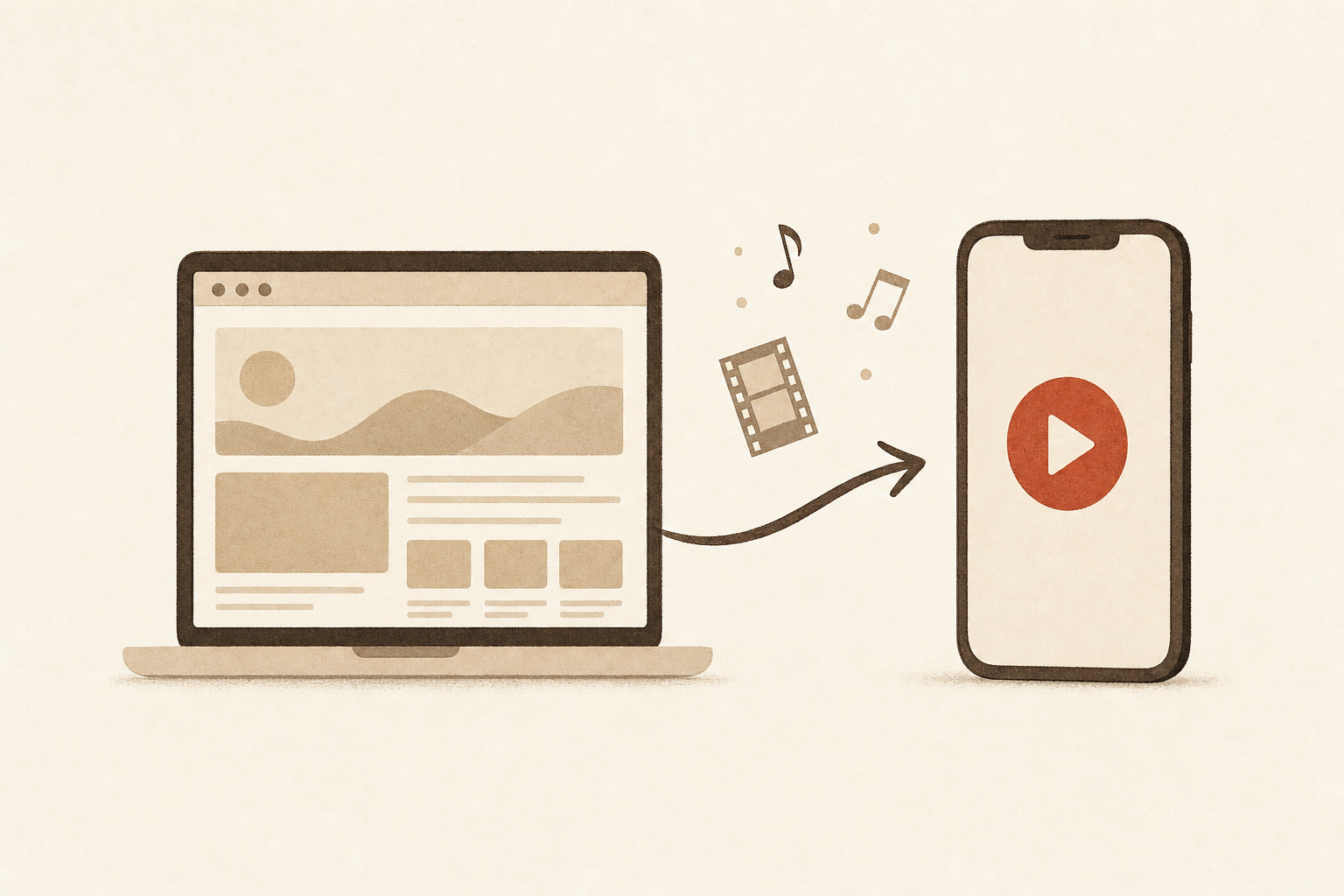
You can turn your website into a video with AI by pasting one prompt and your URL into Claude or ChatGPT. You get back a single HTML file that plays a 30-second vertical promo with music and sound effects, records your voiceover, and exports an MP4 for Reels, TikTok and Shorts. The full prompt is below, free, as of October 2026.
A sample made from inovo.io with the prompt below, unedited. The voiceover is six AI voice clips uploaded into the file.
Why make a 30-second vertical video for your business?
Because short video is how most people want to learn about what you sell. Wyzowl's 2026 State of Video Marketing report found that 63% of people would most like to learn about a product by watching a short video, and 91% of businesses now use video in their marketing.
The catch has always been production. A 30-second promo used to mean an editor, a stock music license and a week of back and forth. The same Wyzowl report says 63% of video marketers have now used AI to create or edit video, up from 51% a year earlier.
A 30-second vertical video is the format buyers prefer in 2026, and AI has cut the cost of making one from a week of editing to one prompt.
What does the website-to-video prompt actually make?
It makes one HTML file that plays a finished 30-second, 1080×1920 promo in Chrome and exports it as an MP4. The AI reads your site, writes a six-line script, picks your brand colors, and builds the whole video in code.
| What you get | Details |
|---|---|
| Length and size | 30 seconds, 1080×1920 (9:16 portrait) |
| Music | Original 104 BPM piano anthem, generated in the file, no license needed |
| Sound effects | Soft clicks, bells and chimes on the beat |
| Voiceover | Record your own with a built-in teleprompter, or upload AI voice clips |
| Export | MP4 from Chrome on Mac or Windows, about 30 seconds to record |
| Cost | No extra cost on your Claude or ChatGPT plan |
The website-to-video prompt turns one URL into a self-contained HTML file that plays, voices and exports a 30-second vertical promo with no editing software.
What's in the video? The 6-Scene Promo
Every video follows the 6-Scene Promo, a fixed 30-second structure where each scene change lands on a bar of the music. You change the words and screens; the timing stays the same, which is what makes the result feel edited by a pro.
| Time | Scene | What it does |
|---|---|---|
| 0 to 1.2s | Logo | Your logo builds in on the beat |
| 1.2 to 5.8s | Hook | Your name and one line on what you do |
| 5.8 to 15s | How it works | 3 steps with drawn screens and a cursor |
| 15 to 22s | Payoff | The moment your customer gets the result |
| 22 to 26.5s | Benefits | 3 cards, one per beat |
| 26.5 to 30s | Call to action | Logo, promise and your web address |
The 6-Scene Promo puts a hook, three steps, a payoff, three benefits and a call to action into exactly 30 seconds, with every scene change on the beat.
How do you add a voiceover?
You either read the script yourself or upload AI voice clips. The file has a Record my voice button that counts down, plays the video, and shows each line as a teleprompter while your microphone records in sync. Most small-business owners should use their own voice; customers already know it.
For an AI voice, paste each script line into ElevenLabs, whose free plan includes 10,000 credits a month, enough for dozens of 30-second scripts. Save the clips as 1.mp3 to 6.mp3 and press Upload voice lines. The music dips under the voice automatically.
Recording your own voice with the built-in teleprompter takes one 30-second take and keeps the voiceover in sync with every scene.
How to turn your website into a video with AI: step by step
- Copy the prompt below. Copy the whole block, from "You are a motion designer" to the last tip.
- Paste it into Claude or ChatGPT. Replace [PASTE YOUR URL HERE] with your home page. Attach your logo if you have one.
- Read the summary it shows you. The AI lists what it found on your site in six bullets. Correct anything wrong before it writes the code.
- Download the HTML file and open it in Chrome. Press Play to watch it with the music.
- Add your voice. Use Record my voice, or upload six AI voice clips.
- Press Export MP4. The video plays once in real time, then a download link appears.
- Post it. Upload the MP4 to Reels, TikTok or Shorts. YouTube counts any vertical video up to three minutes as a Short.
When the video's ready, text Sabi to write the caption and hashtags in your voice. Sabi writes social posts from what she already knows about your business (see Sabi's social media features), so the caption matches the video's promise.
The free website-to-video prompt
Copy everything inside the box.
You are a motion designer, composer and copywriter. Turn my website into a 30-second portrait promo video (1080×1920, 9:16) with music, sound effects and a voiceover script, delivered as ONE self-contained HTML file that plays the video and exports it as an MP4.

WEBSITE: [PASTE YOUR URL HERE]
(Optional: I've attached my logo. Optional brand colors: ____. Optional: the one thing I want people to do: ____.)

STEP 1: READ THE SITE (DON'T SKIP)
Open the URL and the pages it links to (pricing, features, about). Note:
- Business name, what it does in one plain sentence, who it's for.
- The 3 steps of how it works (or the 3 main things you get).
- The payoff: the moment the customer gets the result (a finished job, an answer, a booked call, a happy customer).
- 3 real benefits. Use only claims the site makes. Never invent numbers, reviews or customers.
- The call to action and the web address.
- Brand colors and fonts (from the site's CSS if you can see it, otherwise pick a calm palette that suits the brand: one background, one text color, ONE accent).
Show me this summary in 6 short bullets before writing code. Then continue without waiting for me.

STEP 2: THE FIXED TIMELINE (KEEP THE TIMING, CHANGE THE CONTENT)
Music is 104 BPM: 1 beat = 0.577 s, 1 bar = 2.308 s. A 2-beat pickup, then 12 bars, then the last chord rings out to 30.0 s. Scene changes sit on bar downbeats.

| Time (s) | Scene | What's on screen | Voiceover (≈2.7 words/s) |
|---|---|---|---|
| 0–1.15 | Pickup | Logo builds in, three dots pop on the beat | none (6 voice lines total, numbered from the hook) |
| 1.15–5.77 | Hook | Business name (big), one line on what it does | 12–14 words: "Meet X. [What it does for you.]" |
| 5.77–15.0 | How it works | 3 steps, each with a recreated product screen or simple illustration, a caption "STEP 1 OF 3" + progress track, a cursor that clicks on the beat. Steps stack as a list (done steps dim) so each stays readable | 2 lines, ~24 words: line 2 = steps 1–2 at 5.77 s, line 3 = step 3 + "That's it." at 11.54 s |
| 15.0–21.9 | Payoff | The result moment, e.g. a phone with a message arriving, a dashboard number counting up, a before/after | ~14 words |
| 21.9–26.5 | Benefits | 3 stacked cards (icon left, words right), one lands per beat | ~12 words, benefits in card order |
| 26.5–30.0 | End card | Logo, one-line promise, call to action + web address | ~7 words, say the web address phonetically ("acme dot com") |

STEP 3: STYLE ("CALM AND PREMIUM", FOR BUSY SMALL-BUSINESS OWNERS)
- Motion: soft springs with no overshoot for big moves, small overshoot for pops. Words rise in from a mask, staggered 0.04–0.1 s. Glides 0.8–2 s with ease-in-out. The camera eases in (about 1.4×) on the thing being explained while everything else dims to 45%; the zoom never crops text: draw the screen at about 75% of the frame width so the zoomed view still fits, or skip the zoom. Scene changes are dissolves with depth: the old scene drifts up 30–90 px, scales to 0.94 and fades over 0.75 s; the new one starts fading in only once the old one is below 20% opacity, so two scenes never read on top of each other. Start each move slightly early so it SETTLES on the beat. No whips, shakes, flashes or confetti.
- Background: one continuous backdrop under every scene (the brand background with slow-drifting soft light and a faint dot grid), so changes feel calm.
- Type: big and readable on a phone. Headlines ≥ 90 px, body ≥ 44 px, text inside drawn screens and chat bubbles ≥ 30 px on the 1080-wide canvas. Every headline on screen ≥ 2 s, every subtitle ≥ 3 s. Plain words, say the benefit.
- Safe zones: keep all text out of the top 220 px and bottom 420 px, with 80 px side margins (social apps cover those areas).
- Fill the portrait frame: caption block in the top third, the screen or phone large in the middle (a phone is at least 55% of the frame width and may run off the bottom edge). No half-empty frames.
- Screens: rebuild the product's screens as simple drawn UI (cards, buttons, lists, a phone with chat bubbles) using sample data that is clearly fictional. Never screenshots, never real customer data inside the drawn screens. Facts the site states publicly (a result, a number) may go in captions and voiceover.
- Logo: if I attached one, use it (embed as a data URI). Otherwise draw the business name as a clean wordmark.

STEP 4: MUSIC AND SOUND (SYNTHESIZED, NO DOWNLOADS)
Write the music in Web Audio and render it with an OfflineAudioContext before playback, so it's identical every time:
- Uplifting piano anthem, Coldplay-style, D major, 104 BPM. Chords I–V–vi–IV.
- Pickup: two soft piano notes. Bars 1–2: piano + light kick. Bars 3–9: full groove, kick on EVERY beat, soft claps on beats 2 and 4, warm pad and bass with a gentle sidechain pump. Bars 10–11: lift with strings / airy choir pad. Bar 12: drums stop, one big sustained chord rings out and fades to silence by 29.7 s.
- Keep 1–4 kHz calm (darker piano, no lead melody) so the voice sits on top.
- Subtle SFX tuned to D major on each visual event: soft click on cursor clicks, a bell on each step, a chime on the payoff, a soft whoosh/riser into each scene change.
- Final loudness about −14 LUFS; nothing clips.

STEP 5: THE HTML FILE (THE PART THAT MUST WORK)
One .html file, no build step, opens by double-click in Chrome on a laptop. Internet allowed only for Google Fonts.
- Draw everything on a single 1080×1920 canvas element (scaled down to fit the window). One `render(t)` function draws the whole frame from the time `t` alone (no state carried between frames), so seeking and exporting always match.
- The audio clock drives the picture: `t = audioCtx.currentTime - startTime`.
- Wait for `document.fonts.ready` before the first frame.
- Controls under the canvas: Play, Restart, a scrub bar, and a timecode.
- Expose `window.render` globally so the frame at any time can be checked.
- **Voiceover panel:**
  1. Show the script, one numbered line per scene, with a "Copy script" button.
  2. "Record my voice": a 3-2-1 countdown, then the video plays with the current line shown big as a teleprompter while the microphone records, in perfect sync. Allow re-record.
  3. "Upload voice lines": accept up to 6 audio files (sorted by filename: 1.mp3 … 6.mp3) and place each at the start of its scene. If a line is longer than its scene, speed it up at most 12% and warn me.
  4. The music ducks about 5 dB under the voice automatically (follow the voice level, smooth attack and release), SFX duck a little more.
- **"Export MP4" button:** plays the video once in real time while recording `canvas.captureStream(60)` plus the mixed audio (music + SFX + voice) through a MediaStreamAudioDestinationNode with MediaRecorder. Pick the first type `MediaRecorder.isTypeSupported` accepts, in this order: `video/mp4;codecs=avc1.640028,mp4a.40.2`, `video/mp4;codecs=avc1,mp4a.40.2`, `video/mp4;codecs=avc1.640028,opus`, `video/mp4`, `video/webm;codecs=vp9,opus`, `video/webm`. Name the file .mp4 or .webm to match. 12 Mbps video. Show a progress bar, then a download link named after the business, e.g. `acme-promo-9x16.mp4`.
- Works with no voice too (music + on-screen text only).

STEP 6: CHECK YOUR WORK BEFORE HANDING IT OVER
- Walk the timeline at 0.5, 3, 5.9, 7, 10, 13, 15.2, 17, 20, 22, 24, 27, 28 s (including the scene changes) and confirm: nothing overlaps, no text is cut off (watch the camera zoom) or inside the safe zones, every caption is readable, no frame is half empty.
- Confirm every claim in the script and on screen comes from the site.
- Confirm the file has no syntax errors and doesn't depend on anything but Google Fonts.

DELIVER
1. The 6-bullet summary.
2. The voiceover script (6 numbered lines with their start times).
3. The HTML file as a downloadable file (not just a code block). If you can't attach files, give the complete code in one block so I can save it as `video.html`.
4. Three lines of instructions: open in Chrome → add your voice (record or upload) → Export MP4.

Tip for a pro AI voice: paste each line into ElevenLabs (free tier is fine; voice "Laura" or "Sarah"), download them as 1.mp3 … 6.mp3, and use "Upload voice lines".
Common mistakes when making AI promo videos
- Skipping the summary check. The AI only knows what your site says. If your home page is vague, the script will be too. Fix the six bullets before it writes code.
- Exporting from the wrong browser. Chrome on Mac or Windows gives the cleanest MP4. Chrome on Linux can't write the AAC audio most apps expect, and other browsers vary.
- Trusting the claims without reading them. The prompt tells the AI to use only facts from your site, and we still caught a real client statistic in one test run. Read every line before you post.
- Putting text where the app buttons go. For paid ads, Meta asks you to keep the top 14% and bottom 35% of a Reel clear, per this breakdown of Meta's safe zones. The prompt keeps text clear of the busiest areas; check ads against Meta's stricter guide.
- Asking for edits in vague words. "Make it better" changes everything at once. Ask for one thing: "make the hook bigger" or "slow down the step 2 cursor."
What are the limits?
The video is motion graphics, not live footage, so it suits services, software and anything you can show in three steps. It won't film your product or your shop.
We built and tested this prompt with Claude on inovo.io. The first run cropped some labels during the camera zoom and left half the frame empty in the steps scene; we fixed both in the prompt, and the second run exported a clean 30.5-second MP4 with all six voice lines in place. Results vary by model and by how much your site says, so expect to rerun once or twice.
The website-to-video prompt makes clean motion-graphic promos from your site's words; it does not film anything, and it is only as clear as your home page.
FAQ
Q: Can ChatGPT make a promo video from my website? A: Yes. The prompt asks for nothing Claude-specific: ChatGPT reads your site and writes an HTML file that plays and exports the video in Chrome, so you don't need a video model or editing app.
Q: Can Claude make videos? A: Claude can't output a video file in a normal chat without code execution, but it can write a web page that plays and records one. That's what this prompt asks for, so the MP4 comes from your browser.
Q: Is the music copyright free? A: Yes. The music is generated in the HTML file itself from code, so there's no track to license. It's an original piano anthem at 104 BPM.
Q: What size should a Reels or TikTok video be? A: 1080×1920 pixels, a 9:16 vertical frame. Keep text away from the top and bottom edges, where the app's buttons and captions sit.
Q: Do I need to pay for an AI voice? A: No. You can record your own voice with the built-in teleprompter, or use the ElevenLabs free plan, which includes 10,000 credits a month. Check its license terms if you plan to run the video as a paid ad.
TL;DR
- One free prompt turns your website into a 30-second, 1080×1920 vertical video with music, sound effects and a voiceover.
- Claude or ChatGPT returns a single HTML file; Chrome plays it, records your voice and exports the MP4 in about 30 seconds.
- The 6-Scene Promo structure (logo, hook, three steps, payoff, three benefits, call to action) lands every scene change on the beat.
- 63% of people would most like to learn about a product from a short video, per Wyzowl's 2026 report.
- Read every claim before you post, export from Chrome on Mac or Windows, and keep text clear of Meta's top 14% and bottom 35% for ads.
Made your video? Meet Sabi and hand her the caption and the follow-ups from everyone who replies. Setup takes about 60 seconds.